Advertiser Tracker
Track any Facebook advertiser and see what they change
Keep tabs on competitor ad activity without checking manually. Paste a Page ID or Ad Library URL to start — Eachspy tracks their active campaigns, new launches, landing pages, and spend over time.
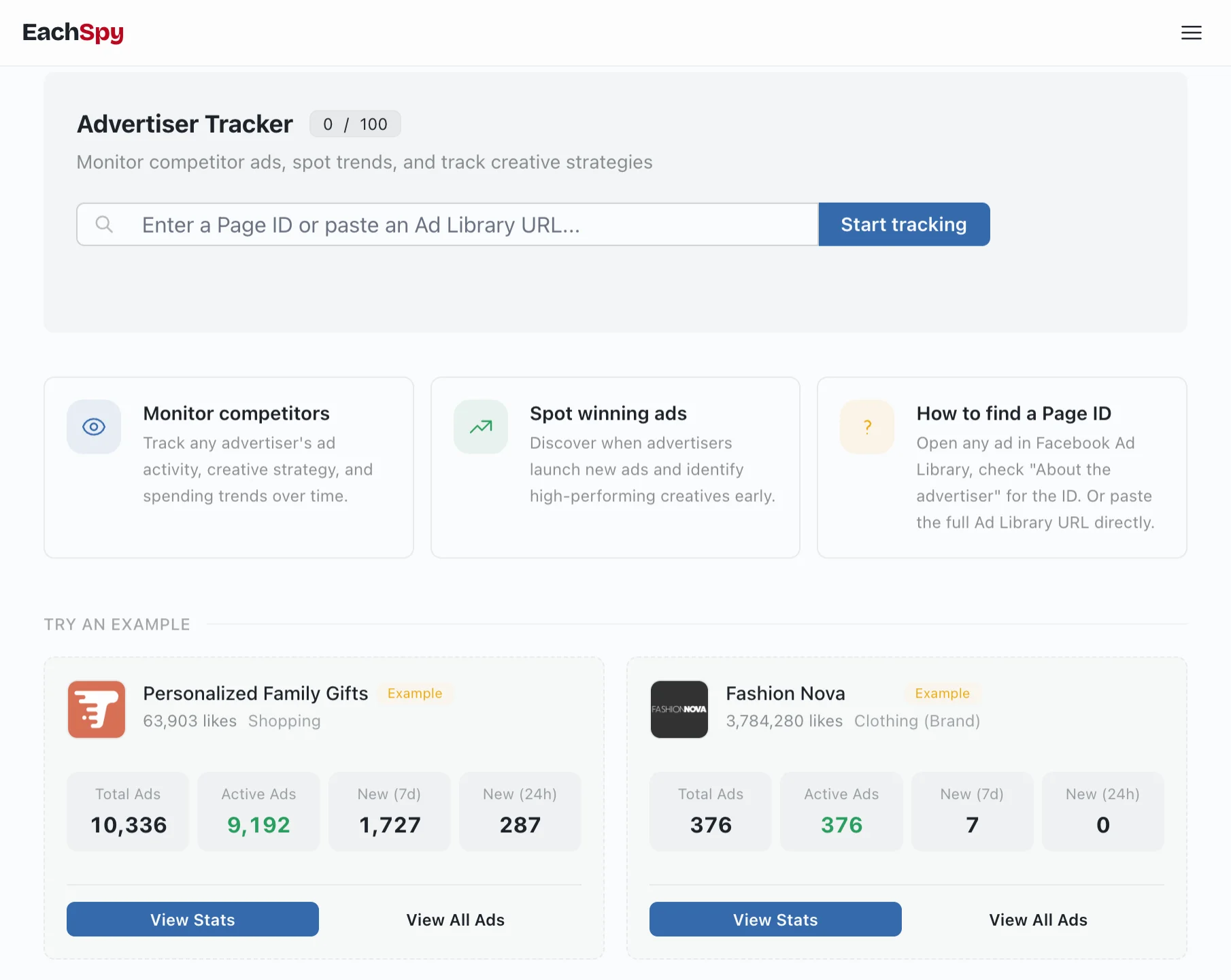
Click 'View Stats' on any advertiser
Landing pages, spend, and ad timeline in one panel
The stats panel breaks down every landing page an advertiser uses — with ad counts, date ranges, and estimated EU spend. See which pages they keep testing and where they concentrate budget.
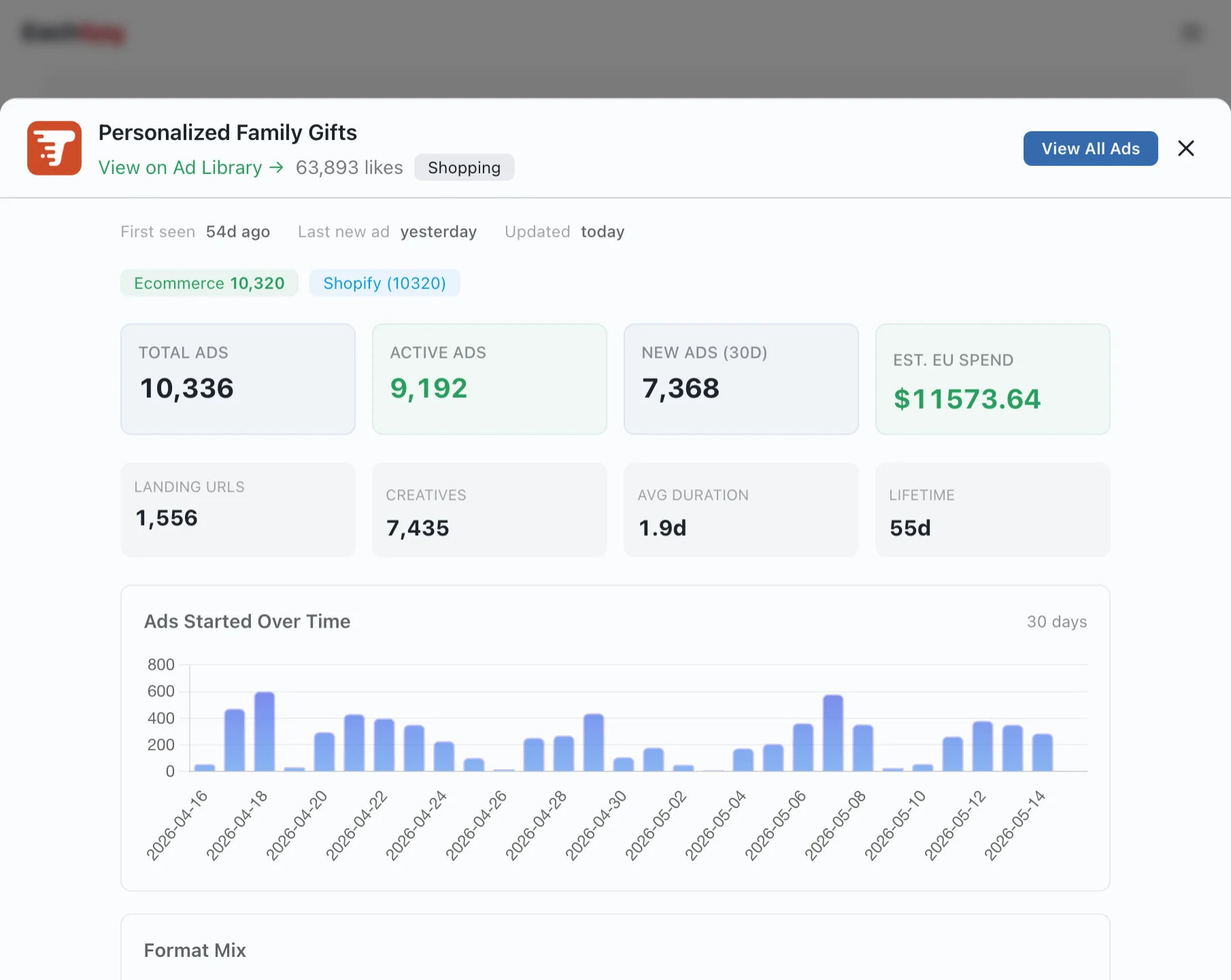
Every landing page the advertiser has used, with the number of ads linked to each
Date ranges showing when each landing page was first and last seen
Estimated EU spend per landing page from ad transparency data
How to track a competitor
-
1
Search for a competitor in the ad database, or paste their Page ID or Ad Library URL directly.
-
2
Add them to your tracker — Eachspy starts collecting their ad data right away.
-
3
Monitor new ads, active campaigns, and recent launches from one dashboard.
-
4
Open the stats panel to see landing pages, spend estimates, and full ad history.
What the tracker shows for each advertiser
Frequently Asked Questions
Common questions about tracking Facebook advertisers with Eachspy.
Search helps you discover campaigns. Tracking shows how a competitor changes over time — which ads they keep running, when they launch new tests, and how their strategy evolves.
Open any ad in the Facebook Ad Library and look for the 'About the advertiser' section — the Page ID is listed there. Or just paste the full Ad Library URL and Eachspy will extract it.
Yes. Add as many advertisers as your plan allows. All tracked pages appear on one dashboard so you can compare activity at a glance.
Eachspy begins collecting their ad data right away. If the advertiser is already in our database, you'll see their full history immediately. If not, data will accumulate as new ads are detected.
Yes. Click 'View Stats' on any tracked advertiser to see all their landing pages with ad counts, date ranges, and estimated spend per page.
Related workflows
See research workflowsFacebook & Instagram Ad Spy
Search Facebook and Instagram ads by keyword, advertiser, or landing-page domain. Compare creatives, campaign history, landing pages, and estimated EU spend.
Shopify Store Tracker
Track competitor Shopify stores and product keywords with daily email alerts. See new products, keyword matches, and linked ads from the stores you follow.
Ready to track your first competitor?
Paste a Facebook Page ID or Ad Library URL and start monitoring their ad activity.