See the ads behind these interests
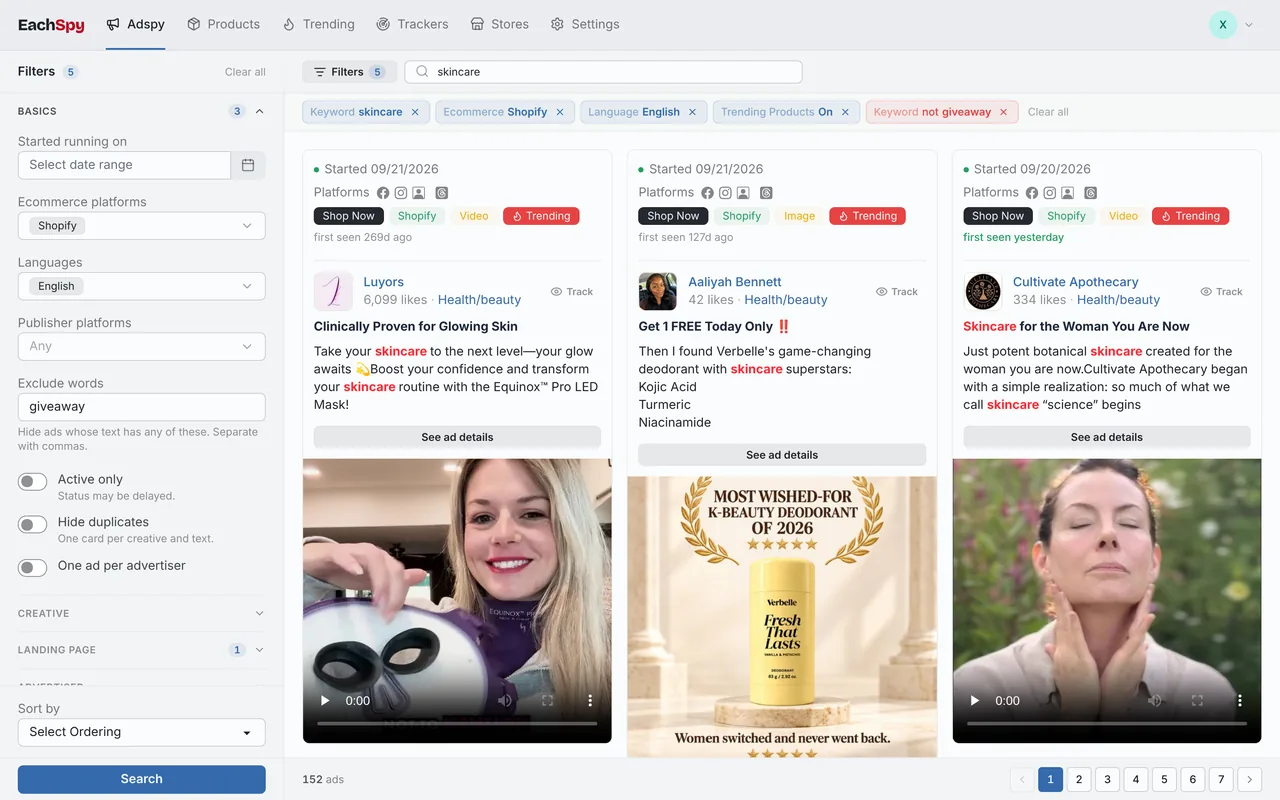
Eachspy's Facebook Ad Spy searches millions of live Facebook and Instagram ads from Shopify and ecommerce stores. Filter by spend, run time, and landing page to see which products and angles keep running.
How it works
-
Enter a keyword
Enter a keyword related to your product, service, or target audience.
-
Review the interests
Review the matching interests, their audience sizes and category paths.
-
Export or build your audience
Export the results to CSV, or add the interests to Detailed Targeting in Facebook Ads Manager.
How to find hidden Facebook interests
Many useful Facebook and Instagram targeting interests are “hidden”: they never show up in the Ads Manager dropdown. This interest finder queries Meta's Marketing API directly, so you can look up those interests by keyword and compare their audience sizes.
Why use this audience interest tool?
This free audience interest tool reads targeting data straight from Meta's Marketing API, and you don't need an account. Use it to find Facebook and Instagram ad interests, compare audience sizes, and shortlist segments before you build a campaign.
Targeting tips
- Pair one broad interest with a few narrow ones so the audience is neither tiny nor generic.
- Check Audience Overlap in Ads Manager before running similar interest sets in separate ad sets.
- Layer an interest on top of a lookalike audience to narrow it down.
- Test one interest group per ad set so you can tell which one drives results.
Frequently asked questions
What is a Facebook interest finder?
It's a free tool that searches Meta's Marketing API by keyword and returns the Facebook and Instagram ad targeting interests that match, along with their estimated audience sizes.
Are these the same as hidden interests?
Yes. Many interests returned here never appear in the Ads Manager dropdown — they're often called "hidden interests." Pulling them straight from Meta's API surfaces options you can't browse manually.
Is it really free?
Yes, completely free with no login or registration. Run as many searches as you need and export the results to CSV.
Where does the audience data come from?
Directly from Meta's Marketing API, so audience size estimates reflect Facebook and Instagram's current targeting data.
How do I use these interests in Ads Manager?
Copy an interest name into the Detailed Targeting field when you build a Facebook or Instagram ad set, or export the full list to CSV first and pick the segments that fit your campaign.
More free tools
- Facebook Ad Video Downloader Download videos, images, and carousels from any Facebook or Meta ad in one click.
- Facebook Ad Library Scraper Export any Ad Library search to CSV, with copy, dates, platforms, and links for every ad.
- Break-even ROAS Calculator Calculate the minimum ROAS, maximum CPA, and per-order profit your product economics can support.
- CPA Calculator Calculate CPA, required ad spend, or conversions from any two campaign metrics.
- Shopify Theme Detector Identify the theme any Shopify store is running, with version and customization details.
- Shopify App Detector See which apps a Shopify store uses for reviews, upsells, email, and more.